
AI can create mood boards and plant lists in seconds, letting you explore styles like modern, cottage, or tropical before you spend any money. It will match plants to your climate zone and build seasonal calendars showing when to plant. That’s where its usefulness stops.
Here’s what AI cannot do: it won’t look at your actual soil type, measure your slope, check how water drains, or account for your budget. It ignores what’s really on your property. Use AI for inspiration and visual ideas you can show a professional designer, but don’t treat its output as your finished plan.
The best results come from pairing AI’s speed with a designer’s knowledge of your specific site. A designer walks your yard, tests your soil, and spots problems AI misses. That combination gives you a plan that actually works.
What AI Can Do Right Now in Garden Design
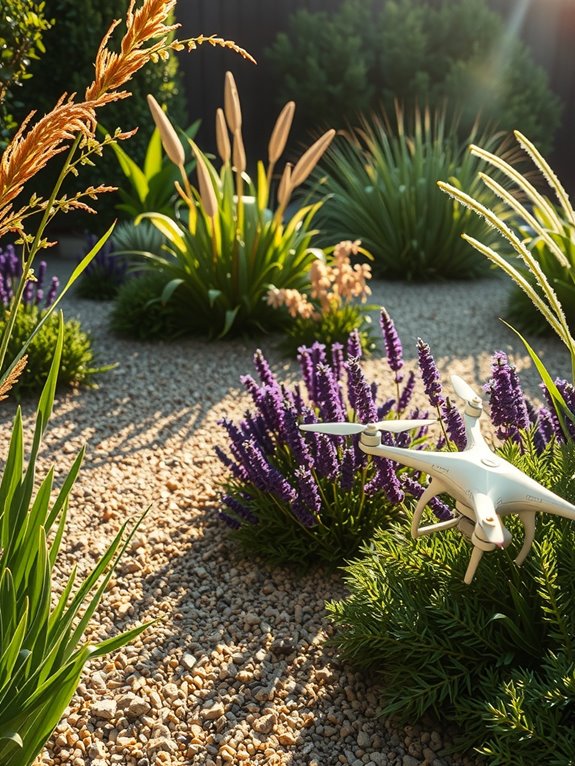
Upload a photo of your space and write a detailed prompt. AI will generate renderings and mood boards showing different garden design styles within minutes. You’ll see multiple concepts visualized quickly without waiting weeks for a designer to sketch options.
AI can suggest specific plants matched to your climate zone, sun exposure, and available space. You’ll get planting calendars with seasonal timing—knowing exactly when to plant tomatoes in spring or divide perennials in fall. The tool also shows you layout options early, preventing the common mistake of overcrowding plants that need room to grow.
Explore multiple design directions before you spend money on materials or labor. These conceptual plans give you concrete starting points you can actually build from. Use AI as a knowledgeable peer who accelerates your planning and helps you explain your ideas clearly to contractors, family members, or anyone else involved in the project.
Where AI Shines: Photo Redesigns and Quick Concepts
You can upload a photo of your current garden and have AI quickly show you different style options—Mediterranean, native plantings, modern minimalist—right away, with no real money or commitment involved. This fast visual feedback lets you test what appeals to you before meeting with a designer or starting any actual work. You’ll likely notice layout possibilities you wouldn’t have spotted on your own.
Paid platforms give you polished, photorealistic renderings that work well when you’re talking to clients or contractors. Free versions provide solid concept sketches that are good enough to test your ideas quickly. Both approaches help you figure out what direction feels right for your space.
Visual Redesign Capabilities
Visual Redesign Capabilities
AI garden design tools excel at creating instant visual concepts from your existing garden photos. Upload an image, and the software generates renderings showing different styles—Mediterranean, native plants, modern layouts—within seconds. These mood boards let you explore color schemes and planting arrangements before hiring a designer.
Use these concept visuals as conversation starters with landscapers or to test whether a design direction appeals to you. You can see multiple interpretations quickly and identify what works for you.
Understand their limitations. These renderings show only one perspective and lack buildable plans or site measurements. The images don’t account for real-world constraints like soil conditions and topography. Treat them as design communication tools for conceptual exploration, not construction guidance. Always pair them with professional expertise before committing to actual work.
Rapid Concept Generation
AI works fast when you need design ideas. Upload a photo of your garden, and you’ll receive 1–4 redesigns within seconds. Each one shows a different style—Mediterranean, modern, or native plantings. You get polished options to look at without waiting weeks for hand-drawn sketches.
This speed lets you explore possibilities before committing to anything. You’re building mood boards and testing different styles to figure out what you actually want. Take advantage of free trials to see what AI garden design can do cheaply, then bring your top choices to a landscaper for discussion.
The real value comes from using AI and professional designers together. AI generates options quickly. You and your landscape team then check those options against reality—what can actually be built, what fits your budget, what will work with your soil and sunlight. One person handles the fast brainstorming. The other handles the details that make a plan work.
Style Exploration Without Commitment
AI garden design tools let you preview 50+ different styles before paying a designer. You can see how your space looks in modern, cottage, tropical, minimalist, and other themes through visual mood boards. This means you get to test multiple aesthetics quickly without any financial risk.
Start with free trial designs on platforms like Simplyscapes or AIGardenPlanner. These tools generate images showing your actual garden reimagined in different styles. Spend time looking at several options to identify which direction appeals to you. Use these visuals to talk with landscapers about what you want—they’ll understand your preferences much better than descriptions alone.
Pay attention to how climate options and plant lists change your garden’s look in each design. You’ll notice which combinations feel right for your space. This exploration helps you narrow down your preferred style before committing money to a full project.
Keep one important limitation in mind: AI-generated garden designs show style possibilities, not actual construction details. These visuals don’t include buildable measurements, material specifications, or step-by-step blueprints for installation. Once you’ve chosen your style direction, you’ll still need a professional designer or contractor to create detailed plans with exact dimensions and construction methods specific to your site.
How AI Picks Plants: Selection and Seasonal Planning
When you’re ready to build your garden, AI handles plant selection by matching species to your specific climate zone, soil conditions, and water availability. This approach saves you money and reduces ongoing maintenance.
You’ll receive a seasonal planting calendar that specifies exact dates for sowing seeds, transplanting seedlings, and harvesting crops based on your local frost dates and growing season length. The system prioritizes native and drought-tolerant varieties, which means your garden naturally adapts to your region while supporting pollinators and other wildlife.
Climate-Matched Plant Selection
AI can match plants to your specific climate and growing conditions with real precision. Instead of guessing what might work in your garden, you get personalized recommendations for native and drought-tolerant varieties suited to your garden zone.
Here’s how it works. AI analyzes your local frost dates, temperature ranges, and precipitation patterns. It then suggests species that naturally do well in those conditions. You’re working with your environment instead of fighting it. This approach cuts water waste, reduces maintenance needs, and creates a garden that belongs in your region.
The system goes further by considering your soil type, sun exposure, and drainage patterns. You receive a plant list specifically calibrated to your property’s actual conditions, not generic suggestions pulled from a database. This is practical garden design based on real data about where you live.
Seasonal Planting Calendars
Stagger your plantings across multiple weeks to get the most from your garden space and harvest continuously instead of having everything ripen at once. Plan out exactly when to start seeds indoors, move seedlings outside, and pick your crops by using a planting calendar matched to your zone.
| Season | Action | Timing | Zone 5 | Zone 9 |
|---|---|---|---|---|
| Spring | Plant | Last frost | May 15 | April 1 |
| Summer | Succession | Every 2 weeks | June-July | May-August |
| Fall | Plant | 60 days before | August 15 | September 1 |
In Zone 5, plant spring crops around May 15, after the last frost date. Then plant again every two weeks from June through July to stagger your harvests. For fall crops, count backward 60 days from your first frost date and plant by August 15.
In Zone 9, spring planting starts earlier on April 1. Space your succession plantings every two weeks from May through August to keep production steady. Plant fall crops by September 1 to finish growing before winter.
The key is marking these dates on your calendar now. Write down when each planting happens, then set reminders two weeks before you need to start seeds or transplant seedlings. This keeps you on schedule without guessing when the right time is.
Native Species and Adaptation
AI garden design tools do the work of matching plants to your specific environment by using actual data instead of guesses. You’ll get native species recommendations based on your climate zone, which means plants that naturally do well where you live. Native plants need less water, fertilizer, and maintenance overall because they’re adapted to your region.
The tools look for pollinator-friendly flowers that support bees and butterflies while fitting your local growing conditions. You receive plant selections based on your sun exposure, soil type, and drainage patterns—the factors that actually determine whether plants succeed in your yard. These AI-generated plant lists give you a solid starting point.
After you get your recommendations, refine the choices based on your specific microclimates. Some areas in your yard might stay wetter or drier than others, or get more shade from trees and structures. Look at these real conditions in your space and adjust the plant list accordingly. This step turns the AI recommendations into an actual plan that works for your garden.
What AI Gets Wrong About Your Garden
How many times have you seen an AI-generated garden image and thought it would work perfectly for your backyard—only to realize it won’t actually function there. AI has real limitations. Those nice renderings ignore your soil type, slope, and drainage patterns. They skip your budget and construction logistics. You end up with plant combinations that won’t survive your climate or proportions that look wrong on your actual lot.
AI garden renderings ignore soil type, slope, drainage, budget, and climate—leaving you with plants that won’t survive your actual lot.
AI can’t assess your lifestyle or understand what you actually need from your space. A single perspective view hides structural problems and spacing issues you’d find during real construction. The software doesn’t know your frost dates, your water table depth, or whether you have 2 hours a day or 20 minutes for maintenance.
Use AI as a mood board for initial ideas, not as a final design plan. Professional designers consider countless variables specific to your land. They check soil pH and compaction. They map sun exposure across seasons. They understand how water moves through your yard during heavy rain. They know which plants actually survive in your USDA hardiness zone.
Start by gathering information about your site. Measure your lot size and note the slope direction. Take soil samples and get them tested through your local extension office. Photograph how sunlight moves across your space from morning to late afternoon. List your actual needs—do you want privacy screening, play space for kids, or low-maintenance groundcover.
Use AI images to collect visual references you like. Save photos of color combinations, plant textures, and hardscape styles that appeal to you. Share these images with a professional designer along with your site information and budget. They’ll translate your preferences into a plan that works with your specific conditions, not against them.
Choosing Between AI Tools, Generative Assistants, and a Professional Designer
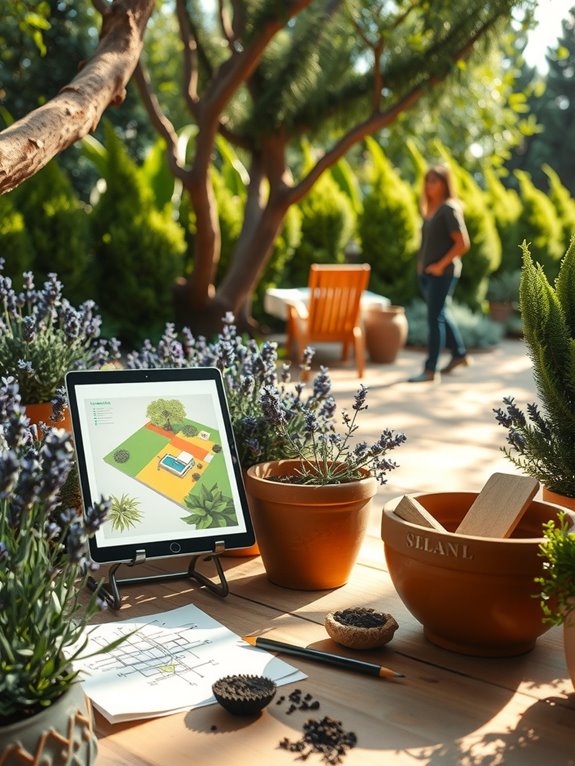
Where you start matters less than knowing what each option can actually deliver.
AI tools work well for quick visual renderings and mood boards. You can explore different garden styles without any real commitment. Generative assistants like ChatGPT produce planting lists and layout ideas rapidly. The problem is they don’t account for site-specific details that affect your actual yard—things like soil type, drainage patterns, or how sunlight hits different areas throughout the day.
A professional designer brings knowledge AI cannot provide. They understand your budget limits, local climate conditions, and how your garden needs to connect with your house, deck, or patio. They handle coordination with contractors and work through real-world problems that AI typically misses—like how a slope affects water runoff or whether your soil can support the plants you want.
The practical approach is this: start with AI for early inspiration and rough visualizations. Once you have a direction you like, work with a professional designer to create workable plans based on your specific site conditions and constraints.
When to Hire a Designer Instead of Using AI
At what point does AI stop being enough. When you’re dealing with complex site feasibility issues—soil conditions, drainage patterns, topography, and local building codes—AI simply can’t assess these factors reliably. You need someone on the ground evaluating your actual space.
Hire a designer when you’re planning extensions or modifications requiring architect coordination and permits. AI lacks the expertise to navigate these legal and structural requirements. A professional can read building codes, understand setback requirements, and know what your local jurisdiction actually allows. These aren’t things AI can figure out from your photos or descriptions.
You also need professional help developing your brief. A designer listens to what you actually want, asks questions that push your thinking, and works with you over time as your ideas develop. AI generates mood boards and renderings quickly, but it can’t have a real conversation about your needs or adjust ideas based on your feedback.
Most importantly, hire a designer for a complete garden design strategy. A designer creates detailed plans with exact measurements, material specifications, and realistic budgets. They produce buildable documents—site plans, planting lists, construction details—that contractors can actually work from. That’s the difference between a pretty picture and a garden that gets built and works well for years.
Using AI and Professional Design Together
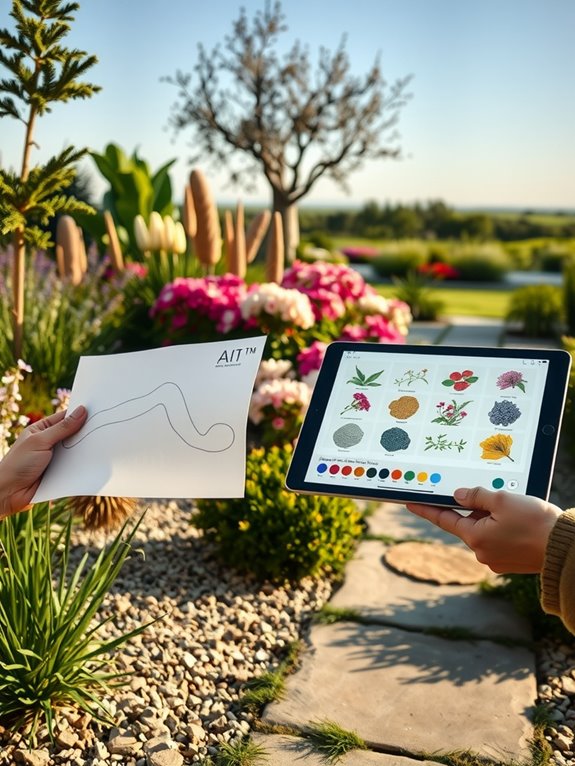
Why choose between AI and professional design when you can use both? They work better together than separately. AI handles the fast work—generating mood boards and exploring different layout ideas quickly. A professional designer then takes those concepts and makes them workable in the real world.
Here’s how the partnership functions. Your designer acts as an editor, taking what AI produces and turning it into actual plans. They consider site-specific issues like soil conditions, water drainage, sun exposure, budget limits, local climate patterns, and neighborhood context. These details matter for construction. AI gives you speed and visual exploration. Professionals provide the craft, place-based decisions, and detailed planning that actually get built correctly.
Before construction starts, this combination lets you communicate clearly with landscapers. Show them what you want. Show them the constraints. Show them the budget. Everyone understands the goals and the limitations.
You’re joining clients who recognize what AI does well while understanding that expertise produces reliable results. This isn’t about picking a side. It’s about using the right tool at the right moment in the process.
Getting Started: Which AI Tool Matches Your Goals
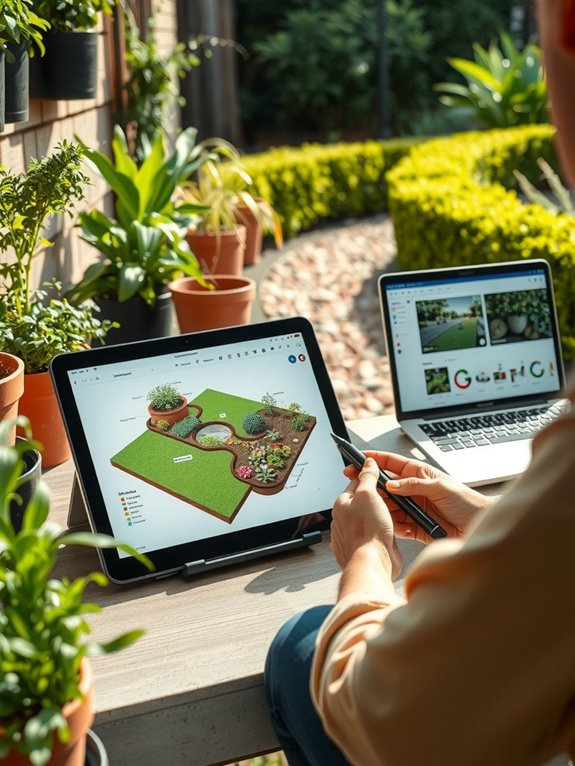
How do you know which AI garden design tools fit your garden project? Start by identifying your goals.
Want a detailed planting schedule with seasonal lists? Copilot’s free version delivers that for native gardens. You get a month-by-month breakdown of what to plant and when, which helps you stay organized through the growing season.
Need help with plant placement and specific dimensions? AIGardenPlanner walks you through soil type, sun exposure, and budget constraints. This tool asks you questions about your conditions and works backward from there to suggest appropriate plants and spacing.
Prefer visual control over your design process? Simplyscapes Visual Designer offers three free designs using its 2,000-plant library. You can drag plants around on a digital layout and see how they look together before digging.
Working from existing photos of your yard? DreamzAR lets you upload a landscape image and add plants to it. This helps you visualize changes without guessing.
Match the tool to what matters most to you: budget constraints, design specificity, or visual customization. Test free trials first to see which platform feels right for your needs and timeline.